In order to use parameters within reporting, you will need to turn them into custom dimensions. It's important to not forget this step otherwise you will lose out on the ability to perform more advanced analyses.
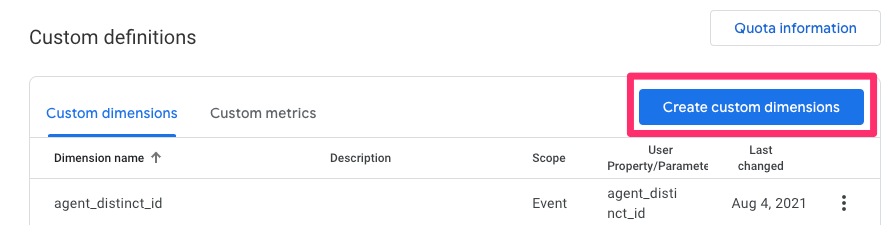
To create a custom dimension, navigate to Admin > select 'Custom Dimensions' under Property Settings > click 'Create custom dimensions:
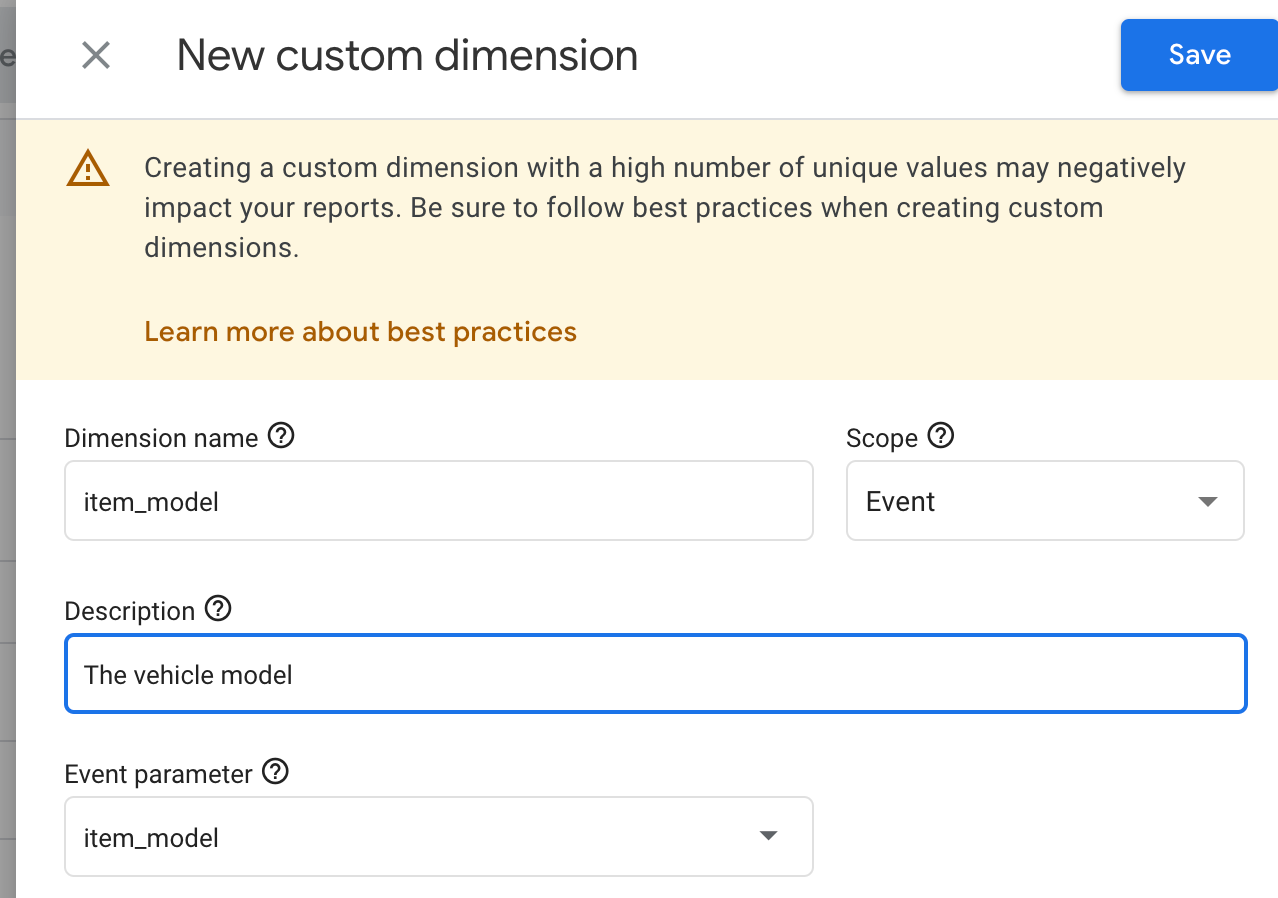
Find the parameter that you want to turn into a custom dimension, give it a name and a description if you'd like, and hit save. Typically custom dimensions will be ready to use after 24 hours.
Example: Create a custom dimension off of the 'item_model' parameter. This will allow us to look at which models users are looking at and interacting with.